
It is impossible to envision the World Wide Web without HTML. It is the framework through which all websites operate. In order for text and other elements to be displayed on the internet, HTML must be utilized. Otherwise, there will be no way to organize anything on the World Wide Web because the computer program will have no directions as to where to place paragraphs, hyperlinks, and other elements for people from around the world to see. Understanding HTML is critical to becoming an efficient programmer. This article explores HTML and what it can do.

Get a Quote

FAQ

Contact Us
The Basics of HTML Structure
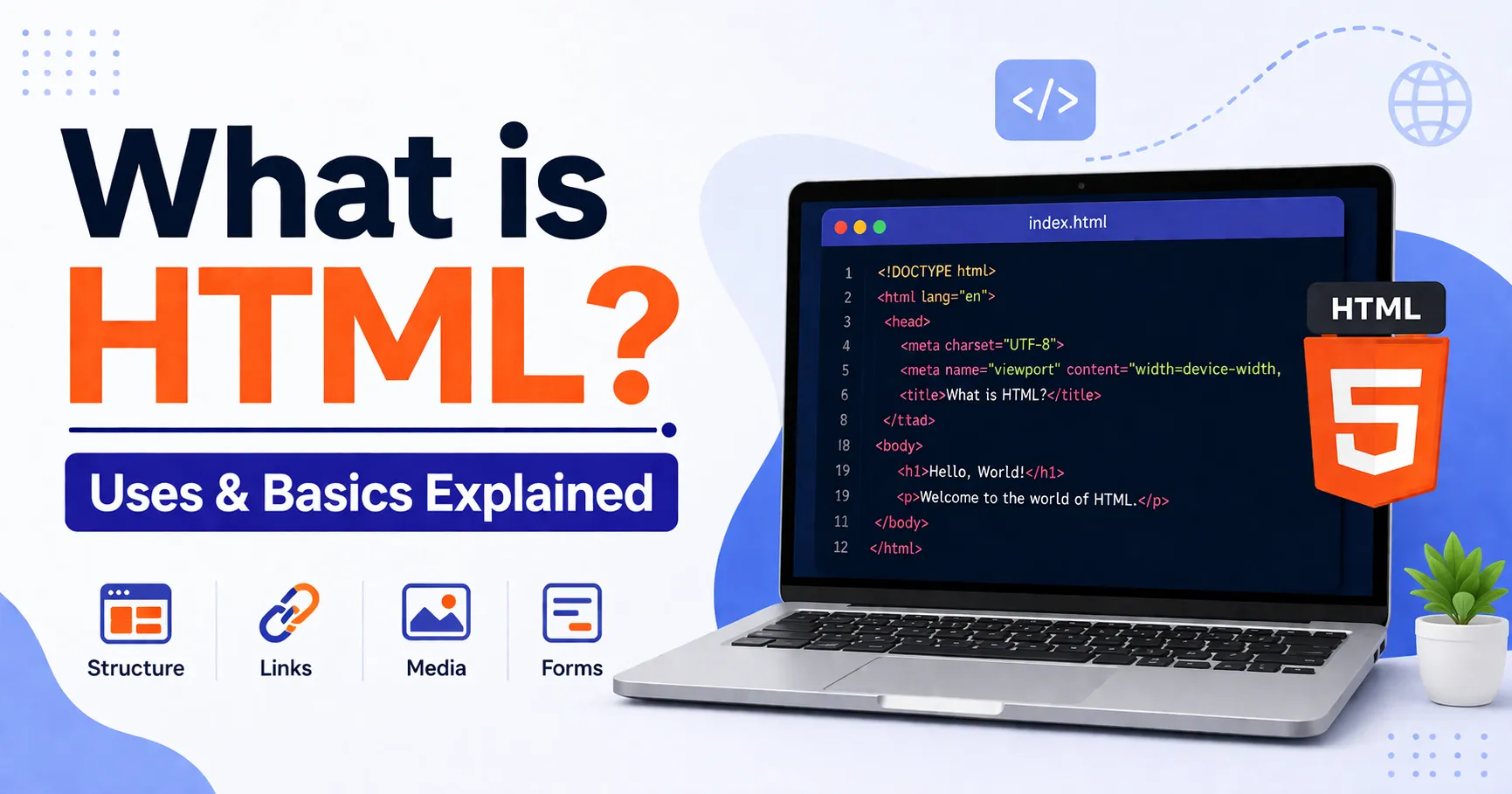
An HTML document functions as a hierarchy. It follows a specific order to ensure browser compatibility. Every file starts with a document type declaration. This is the <!DOCTYPE html> tag. It tells the browser which version of HTML to anticipate. The language has evolved significantly since its inception. HTML5 currently provides the standard.
The primary container is the <html> element. All other content resides inside this root element. Two distinct sections exist within the root. The <head> section contains metadata. This data does not appear on the visible page. It holds the document title, character sets, and links to external style sheets. The <body> section holds the visible content. This includes text, images, and videos.
Syntax follows a simple pattern. Elements use an opening tag and a closing tag. The opening tag looks like <p>. The closing tag includes a forward slash: </p>. The content goes between them. Some elements lack a closing tag. These are called empty elements or void elements. The <br> tag forces a line break. The <img> tag inserts an image. These do not wrap content.
Attributes provide extra detail. They reside within the opening tag. A link uses the <a> tag. The href attribute defines the destination. <a href=”https://example.com”> links to a specific site. This syntax allows for complex page layouts.
Semantic HTML and Content Architecture
Modern development prioritizes semantics. Semantic tags describe the content inside them. A <div> tag acts as a generic container. It has no intrinsic meaning. A <header> tag, however, identifies the top section of a page. An <article> tag identifies self-contained content. A <footer> tag marks the bottom.
Search engines prefer semantic code. It helps crawlers understand the context of a page. A heading tag like <h1> signifies the primary topic. The <h2> tag represents a secondary section. Browsers assign different font sizes to these tags by default. Developers override these styles using external documents.
Hierarchies still matter. The structure of the document determines how one reads it. This structure helps screen readers interpret documents for people who are visually impaired. If there are no hierarchies in the document, then it is difficult for such readers to understand it.
The Ecosystem of Web Development
HTML alone constitutes just one member of this group. The browser understands HTML, CSS, and JavaScript. These components come together to create the interface.
HTML gives meaning. It states the presence of elements. CSS, or Cascading Style Sheets, focuses on style. It controls color, spacing, and grid layouts. JavaScript makes the website interactive. It performs tasks based on certain user actions or inputs.
Imagine it like building a house. HTML is the frame structure for the house. This sets up the walls and rooms. CSS is the paint and carpeting. This defines what the interior of the house looks like to whoever comes into the house.
Such segregation is advantageous to the teams. Programmers modify separate files without interfering with other layers. A modification in style will not impact the underlying architecture. The applications can be quickly scaled up using the modular approach.
Understanding HTML Tags and Their Functions
Coders use a massive collection of elements. Most web pages only require a small handful to load correctly.
Text Formatting:
- <p>: Starts a new paragraph.
- <h1> through <h6>: Mark titles or subheads.
- <strong>: Adds bold weight to text.
- <em>: Adds italics to text.
Lists:
- <ul>: To initiate a bulleted list
- <ol>: For a numbered list
- <li>: Defines a single list item.
Multimedia:
- <img>: This is used to insert an image.
- <audio>: This is used to include audio clips.
- <video>: This is used to add a video.
Containers:
- <div>: This is a block container that is used to contain blocks of content.
- <span>: This is a text container that is used to contain small, inline bits of text.
These three parts are combined to create layouts for a web page. A single file can have thousands of lines of code, and most often the tags will be nested together as layers within the same document.
Attributes and Data Control
- Element Modification: Attributes extend the utility of base tags.
- Unique Identifiers: The id attribute assigns a specific, one-time label to an element. This allows developers to isolate and target that single tag for unique CSS styles or specific JavaScript logic.
- Grouping: The class attribute bundles multiple elements together. Style an entire group at once by targeting the class name instead of writing separate rules for every individual item.
- Input Behavior: The <input> tag changes its function based on the type attribute.
- type=”text” creates a standard entry field.
- type=”password” hides the input characters from view.
- type=”checkbox” provides a binary switch for user selections.
Validation: Validation of data provides rules (e.g. required, & pattern) to be enforced on user-entered information, and validation takes place prior to submission of information to the system, thereby saving processing time (by not requiring invalid data be discarded once they reach the server) and errors due to improper user input.
The Role of HTML in SEO
Search Engine Optimization depends on valid markup. Crawlers analyze the DOM tree. Proper heading usage helps index pages correctly. The meta tags inside the <head> section inform search engines about the page’s purpose. A meta name=”description” tag provides the summary text shown in search results. The title tag defines the browser tab text.
Broken code causes indexing issues. Unclosed tags force browsers to guess the intent. Guessing leads to visual bugs. Errors hurt search ranking. Valid HTML ensures consistent behavior across browsers. It keeps code lean. Lean code loads faster. Page speed affects user retention.
Source Code Analysis
All browsers have source code inspection utilities. With “View Page Source,” the user can analyze the HTML of any webpage. Programmers make use of it as a learning aid. They study how successful websites build their page layouts.
When you right-click any part of the webpage and choose “Inspect,” the developer’s console pops up. The active document object model is displayed by it. When you move the mouse over the code, the related HTML component will be highlighted.
The Future and Evolution of Markup
The World Wide Web Consortium manages the standards. HTML evolved from static documents into dynamic application platforms. Web Components allow for custom tags. <my-component> could trigger complex behaviors defined in a custom script.
Accessibility becomes more stringent. The current HTML requires ARIA roles. Accessible Rich Internet Applications (ARIA) complement HTML where it is insufficient. This adds more information for screen readers. This helps make complicated widgets more comprehensible.
The ability to master this language is the first step to acquiring all other skills in technology. Programmers begin with this language. Web scrapers employ it to extract data from pages. It serves as the most vital gateway to the World Wide Web.
Why TreeMultisoft Services Promotes This Knowledge
The understanding of web technology still remains an important skill in the market. In particular, the specialists at TreeMultisoft Services emphasize that one needs to learn basics before advancing to more sophisticated technologies. The basic understanding of the HTML code is essential to grasp the logic behind CSS and JavaScript, not to mention other complicated programming languages used on servers. Developers interested in creating quality websites benefit from such knowledge.
Get a Quote
FAQ
Contact Us
FAQs
Q1. Is HTML considered a programming language?
A1: No. It acts as a markup language. It provides structure to the page by labeling text as headings, paragraphs, or lists. It does not perform logic or mathematical operations like Python or Java.
Q2. Why does my code look messy on the screen?
A2: You likely missed a closing tag or used the wrong hierarchy. Browsers require precise syntax to render elements correctly. Check for missing forward slashes in your code. A single misplaced character can break an entire section.
Q3. Can I build a professional website using only HTML?
A3: You can, but it will look primitive. HTML provides the bones. You need CSS to add style, colors, and layout. Without CSS, your site will look like a plain document from the early nineties.
Q4. How long does it take to learn the basics?
A4: You can grasp the core structure in a few days. Mastering real-world applications takes practice. Many students build their first basic page in under five hours of dedicated focus. Consistency beats intensity every time.
Q5.Does HTML matter for SEO?
A5: It is vital. Search engines crawl your HTML to understand what your page is about. Using proper heading tags and descriptive attributes helps crawlers index your site effectively. Proper markup directly influences your visibility in search results.